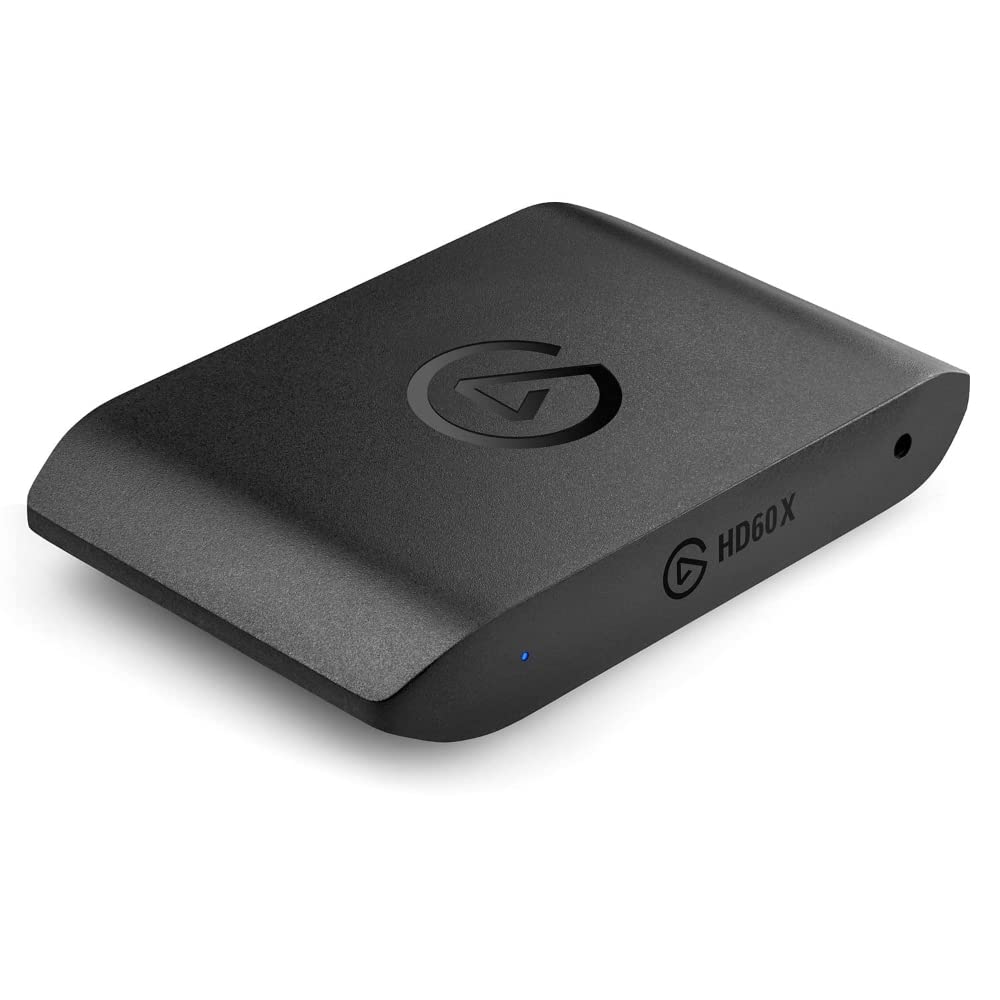
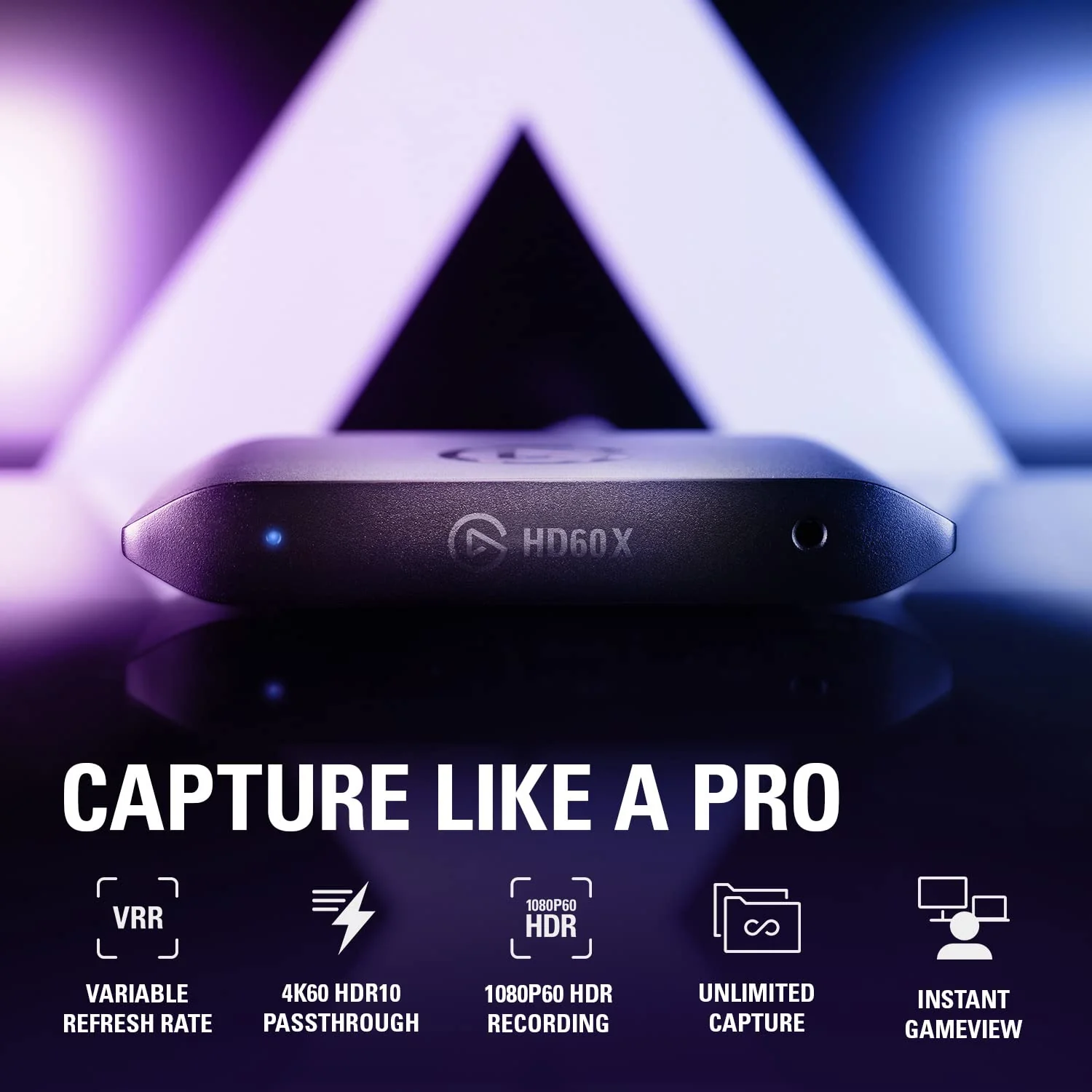
Elgato Game Capture Neo — 4K60 HDR Passthrough, 1080p60 Capture – for PS4/PS5/Xbox/Switch/iPhone – Capture to Laptop, PC, Mac, iPad
Features-
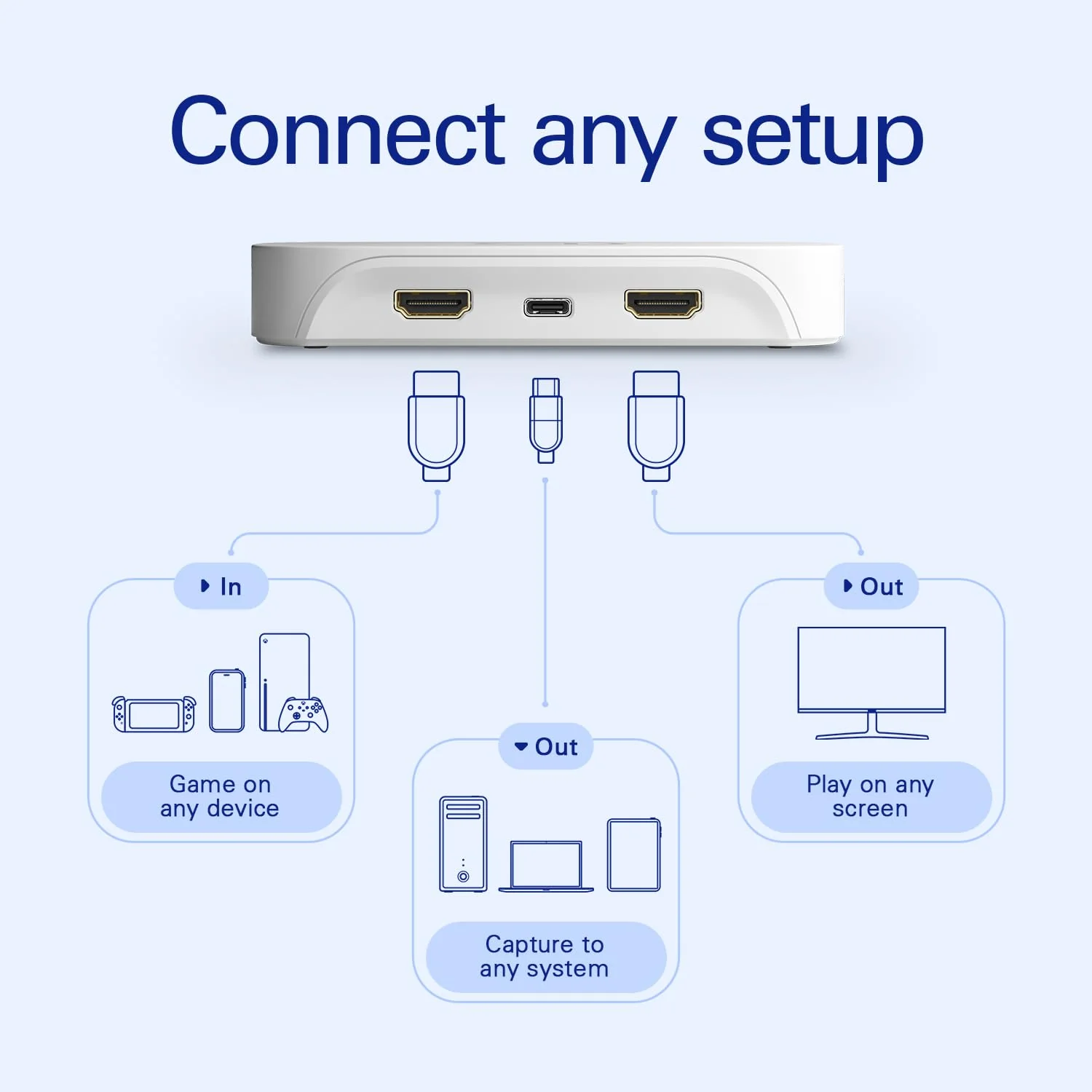
- Capture PlayStation, Xbox, Switch, laptops, PCs, iPad, and other devices
- Play 4K60 HDR games without image quality loss or lag
- Record or stream your skills in smooth Full HD 1080p60 quality
- Stream to platforms like YouTube, Twitch, TikTok, Facebook Gaming, etc
- Please Note: PlayStation 5 Black Screen is due to HDCP being turned on by default. Go to settings, system, HDMI and turn off HDCP to overcome this. Audio in headphones whilst capturing is not possible on Nintendo Switch or PS5.


Why am I getting black or no video from my PlayStation 5?
PlayStation 5 has HDCP (copy protection) enabled by default. Go to Settings > System > HDMI, and turn off HDCP.

Can I get audio in my headphones and capture it at the same time?
No, consoles like the Nintendo Switch and PS5 output audio to either a connected headset or a capture card, but not both at the same time.

Is my USB setup compatible?
Got an open USB 3.0 (or later) port? That’s all you need to connect Game Capture Neo to your laptop. You can connect to a USB-C port using an adapter (not included) or USB-C to USB-C cable (not included). We do not recommend connecting a USB hub.

Do I need special software?
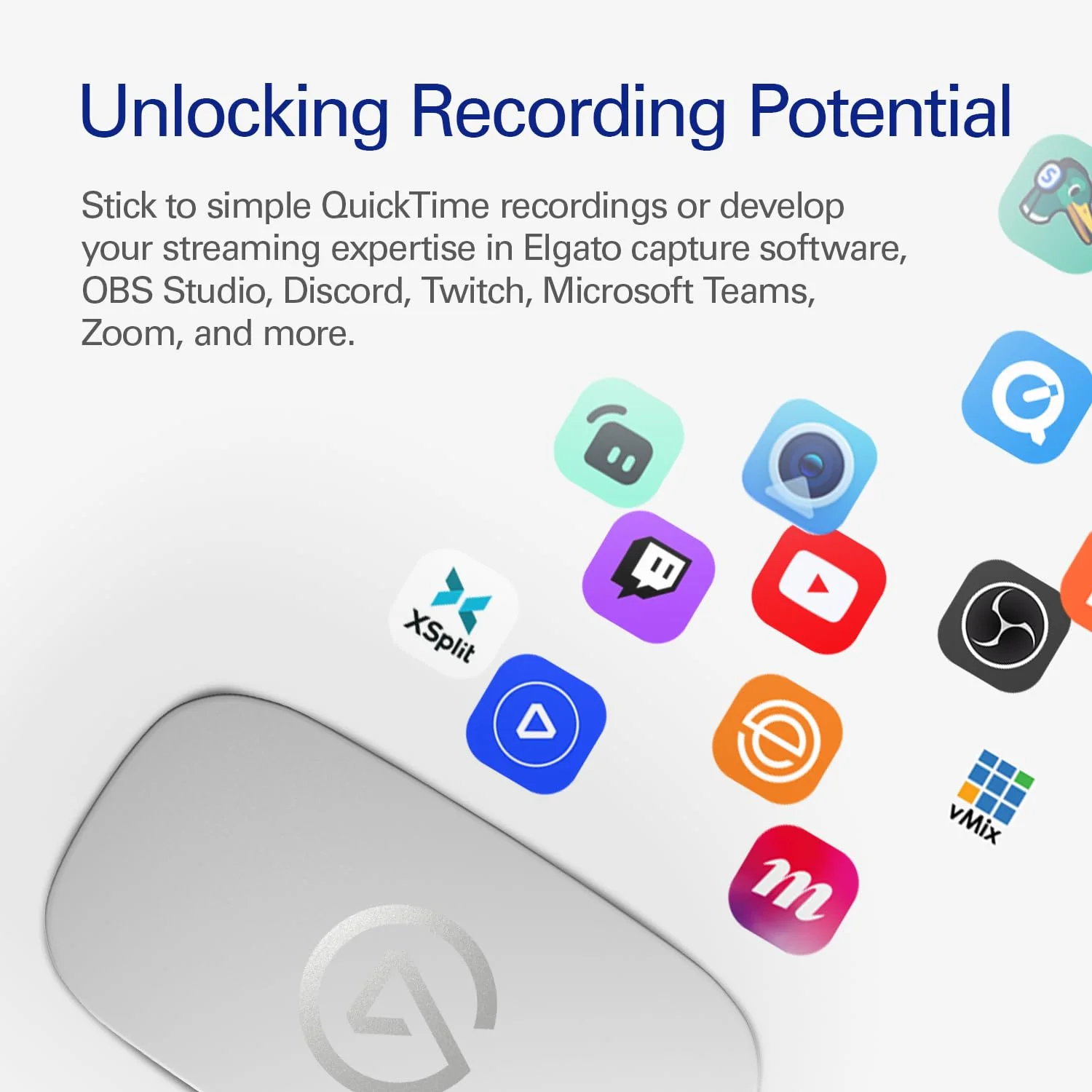
It depends on what you want to do. For simple recordings, you can use any app that supports video recording. Better yet, download our capture software—it makes professional recording effortless.
Product Information
Product Information
Shipping & Returns
Shipping & Returns
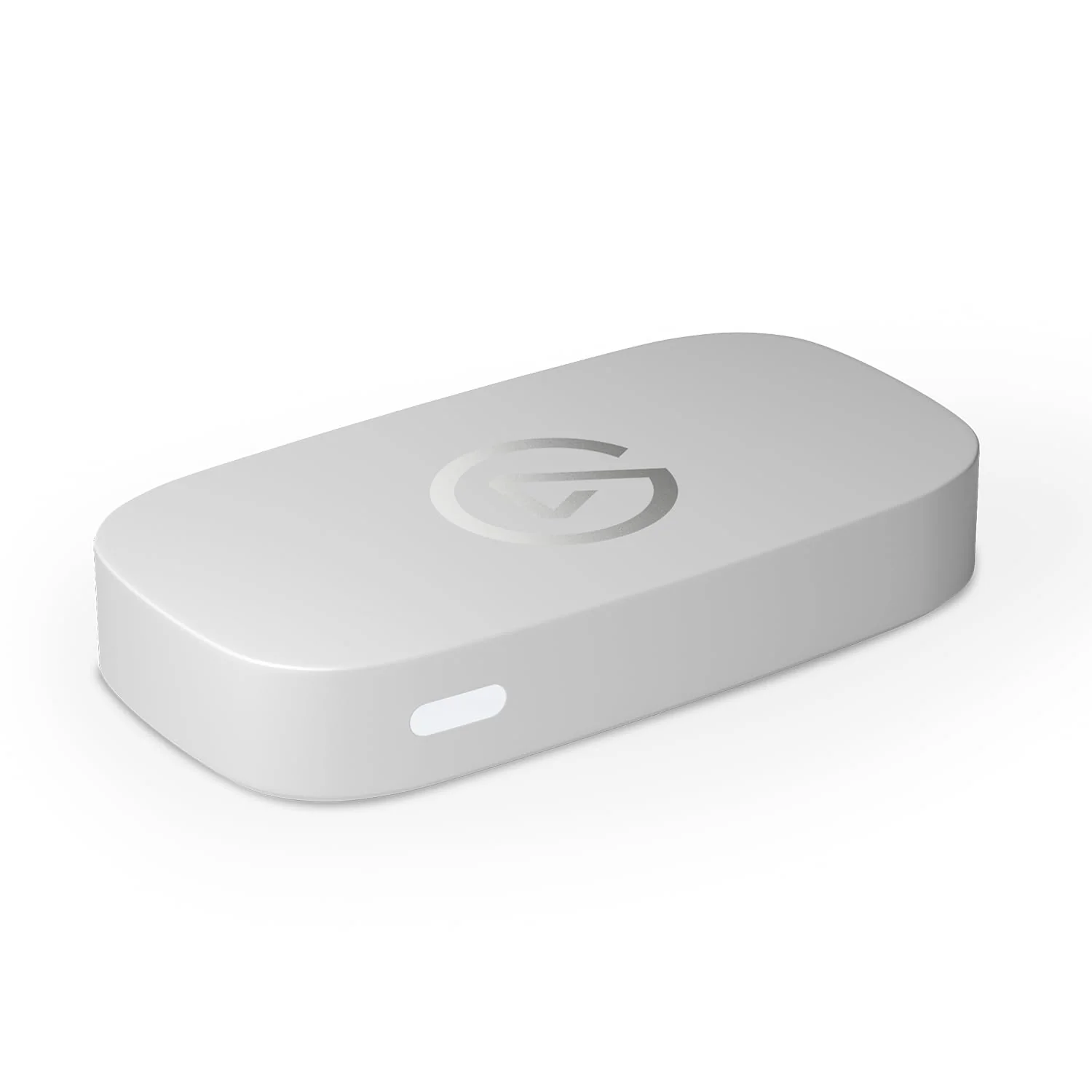




Elgato Game Capture Neo — 4K60 HDR Passthrough, 1080p60 Capture – for PS4/PS5/Xbox/Switch/iPhone – Capture to Laptop, PC, Mac, iPad
Elgato Game Capture Neo — 4K60 HDR Passthrough, 1080p60 Capture – for PS4/PS5/Xbox/Switch/iPhone – Capture to Laptop, PC, Mac, iPad
Features-
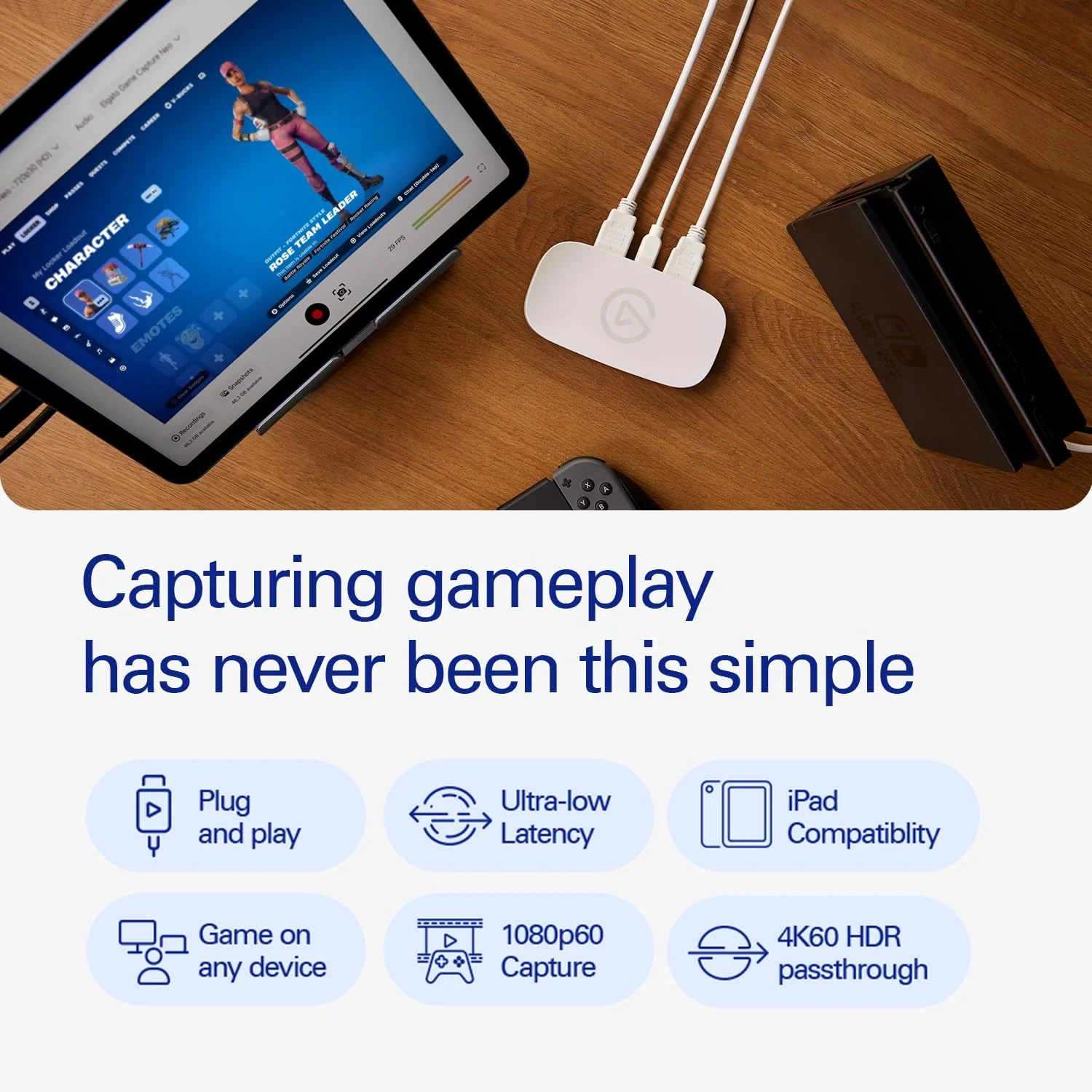
- Capture PlayStation, Xbox, Switch, laptops, PCs, iPad, and other devices
- Play 4K60 HDR games without image quality loss or lag
- Record or stream your skills in smooth Full HD 1080p60 quality
- Stream to platforms like YouTube, Twitch, TikTok, Facebook Gaming, etc
- Please Note: PlayStation 5 Black Screen is due to HDCP being turned on by default. Go to settings, system, HDMI and turn off HDCP to overcome this. Audio in headphones whilst capturing is not possible on Nintendo Switch or PS5.
Why am I getting black or no video from my PlayStation 5?
PlayStation 5 has HDCP (copy protection) enabled by default. Go to Settings > System > HDMI, and turn off HDCP.
Can I get audio in my headphones and capture it at the same time?
No, consoles like the Nintendo Switch and PS5 output audio to either a connected headset or a capture card, but not both at the same time.
Is my USB setup compatible?
Got an open USB 3.0 (or later) port? That’s all you need to connect Game Capture Neo to your laptop. You can connect to a USB-C port using an adapter (not included) or USB-C to USB-C cable (not included). We do not recommend connecting a USB hub.
Do I need special software?
It depends on what you want to do. For simple recordings, you can use any app that supports video recording. Better yet, download our capture software—it makes professional recording effortless.
Product Information
Product Information
Shipping & Returns
Shipping & Returns
Description
Features-
- Capture PlayStation, Xbox, Switch, laptops, PCs, iPad, and other devices
- Play 4K60 HDR games without image quality loss or lag
- Record or stream your skills in smooth Full HD 1080p60 quality
- Stream to platforms like YouTube, Twitch, TikTok, Facebook Gaming, etc
- Please Note: PlayStation 5 Black Screen is due to HDCP being turned on by default. Go to settings, system, HDMI and turn off HDCP to overcome this. Audio in headphones whilst capturing is not possible on Nintendo Switch or PS5.
Why am I getting black or no video from my PlayStation 5?
PlayStation 5 has HDCP (copy protection) enabled by default. Go to Settings > System > HDMI, and turn off HDCP.
Can I get audio in my headphones and capture it at the same time?
No, consoles like the Nintendo Switch and PS5 output audio to either a connected headset or a capture card, but not both at the same time.
Is my USB setup compatible?
Got an open USB 3.0 (or later) port? That’s all you need to connect Game Capture Neo to your laptop. You can connect to a USB-C port using an adapter (not included) or USB-C to USB-C cable (not included). We do not recommend connecting a USB hub.
Do I need special software?
It depends on what you want to do. For simple recordings, you can use any app that supports video recording. Better yet, download our capture software—it makes professional recording effortless.