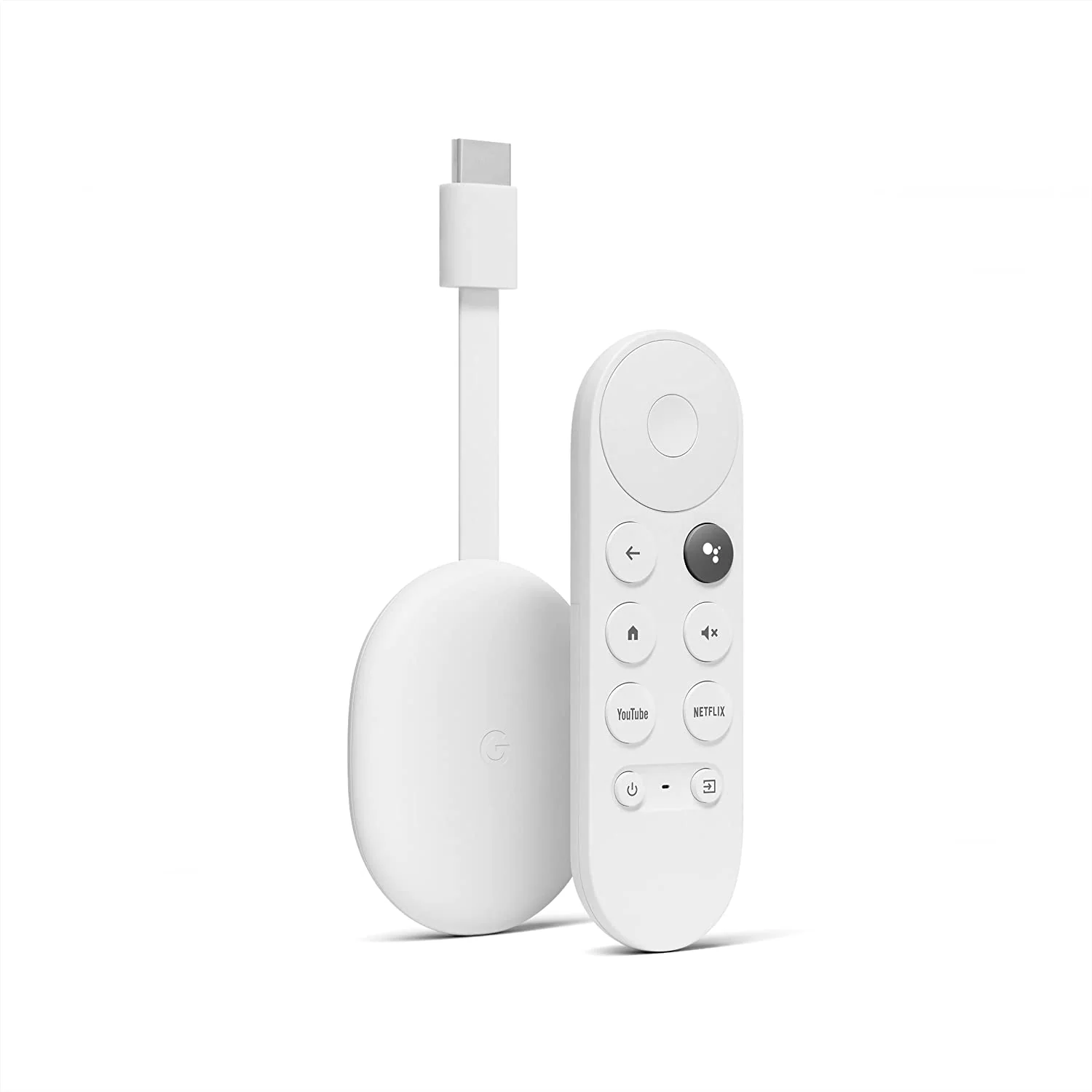
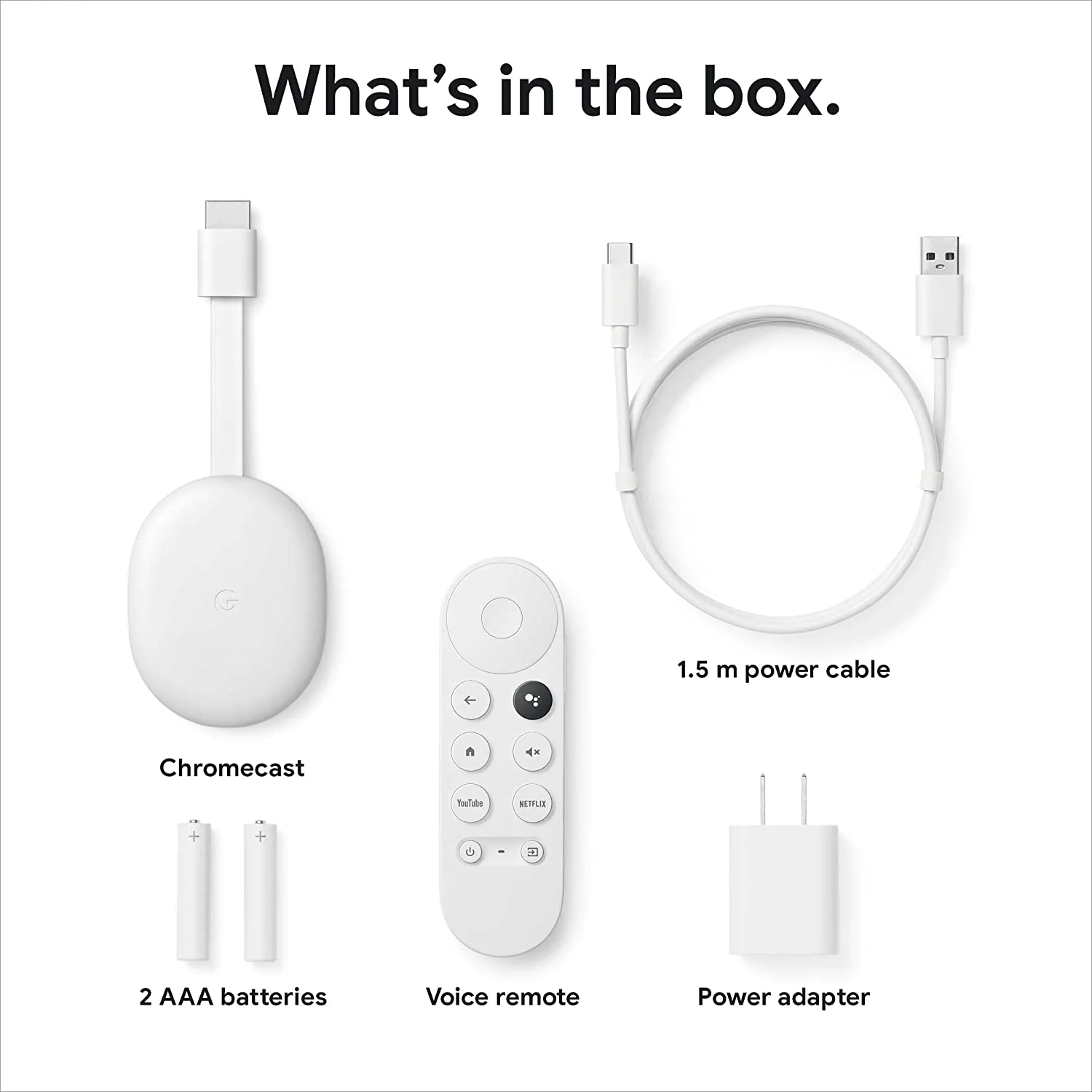
Google Chromecast with TV Media Streaming Device (White)
Features-
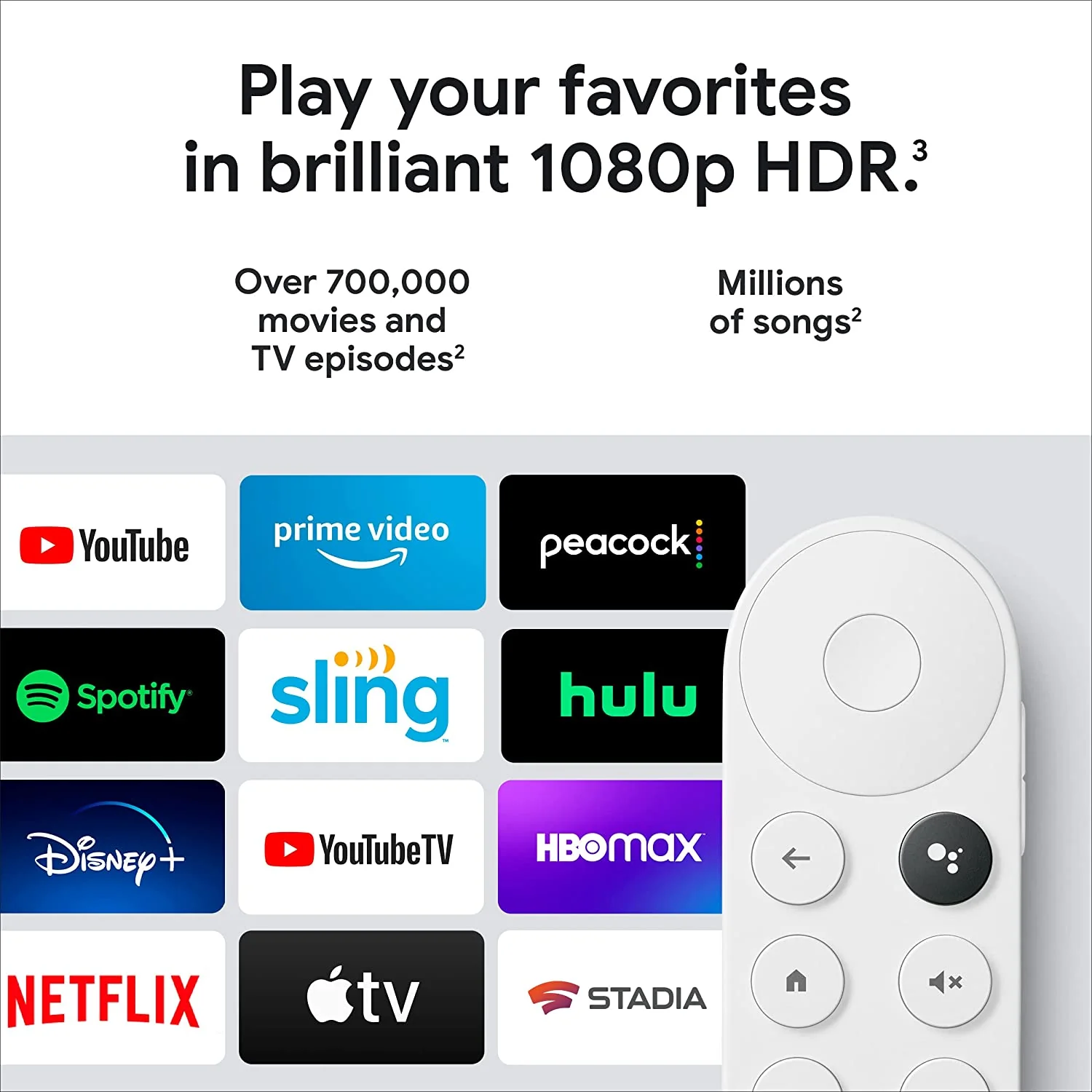
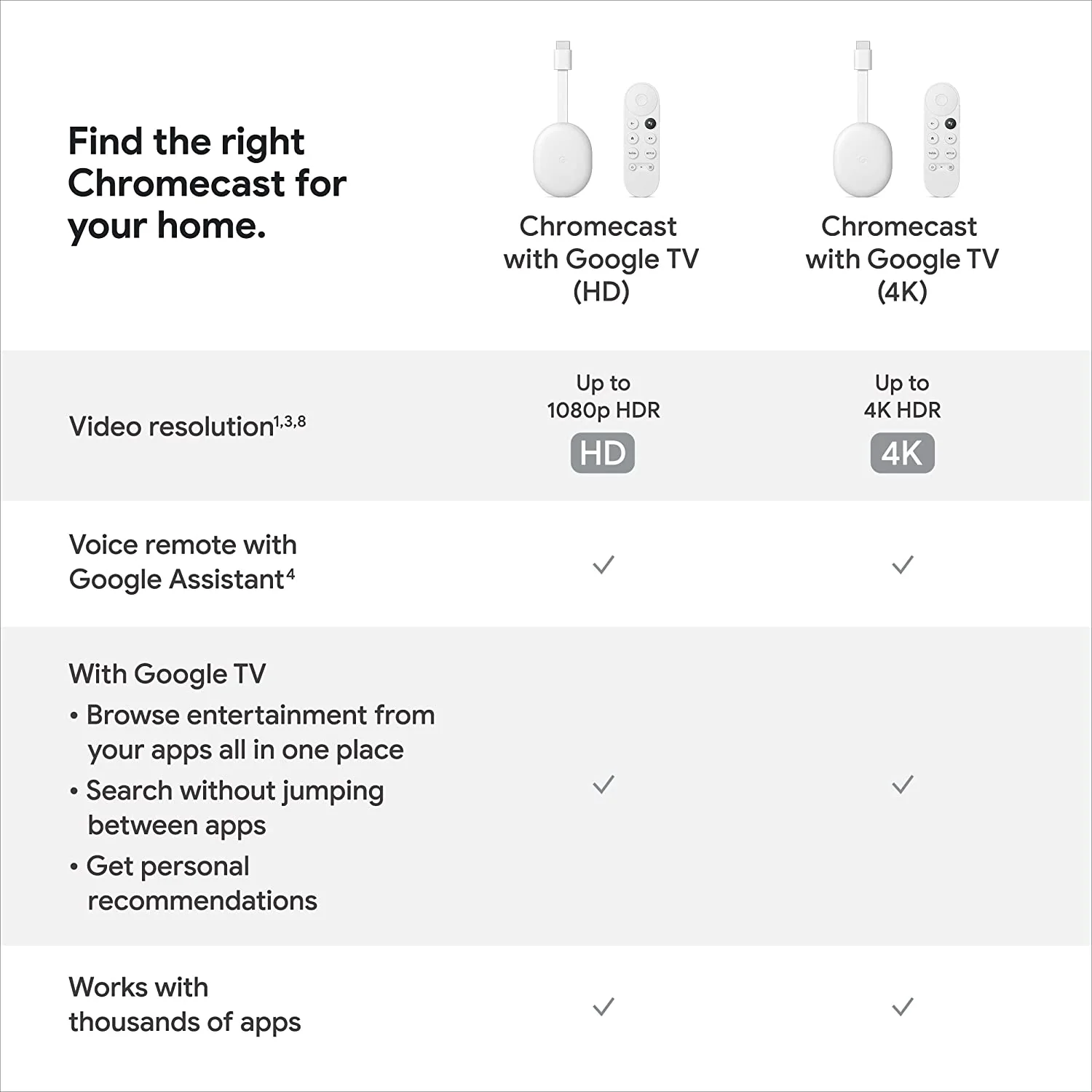
- Watch the entertainment you love, including live TV, in up to 1080p HDR[1,2,3]; discover over 700,000 movies and TV episodes, plus millions of songs[2]
- Get fast streaming, and enjoy a crystal clear picture and brighter colors with HDR[3]
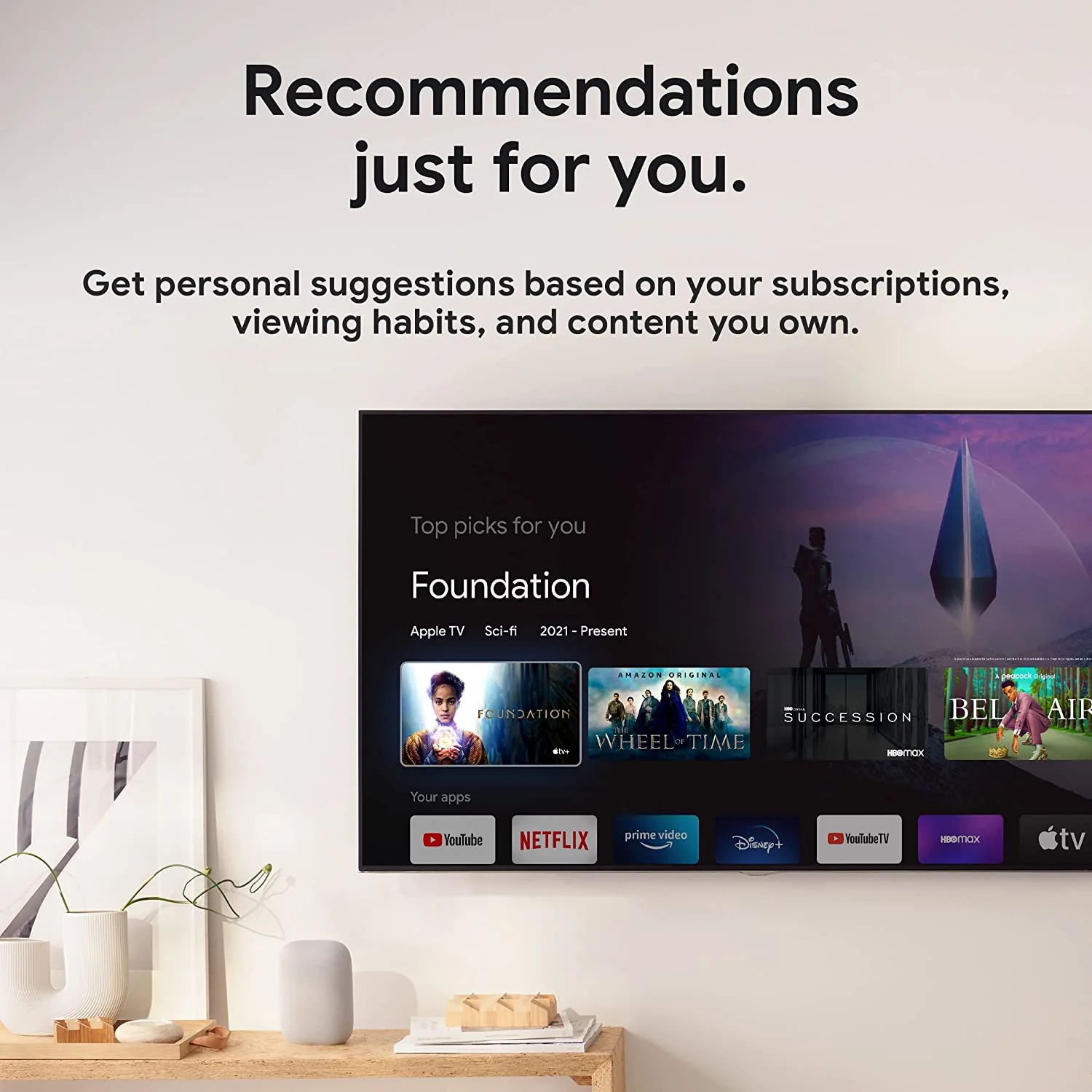
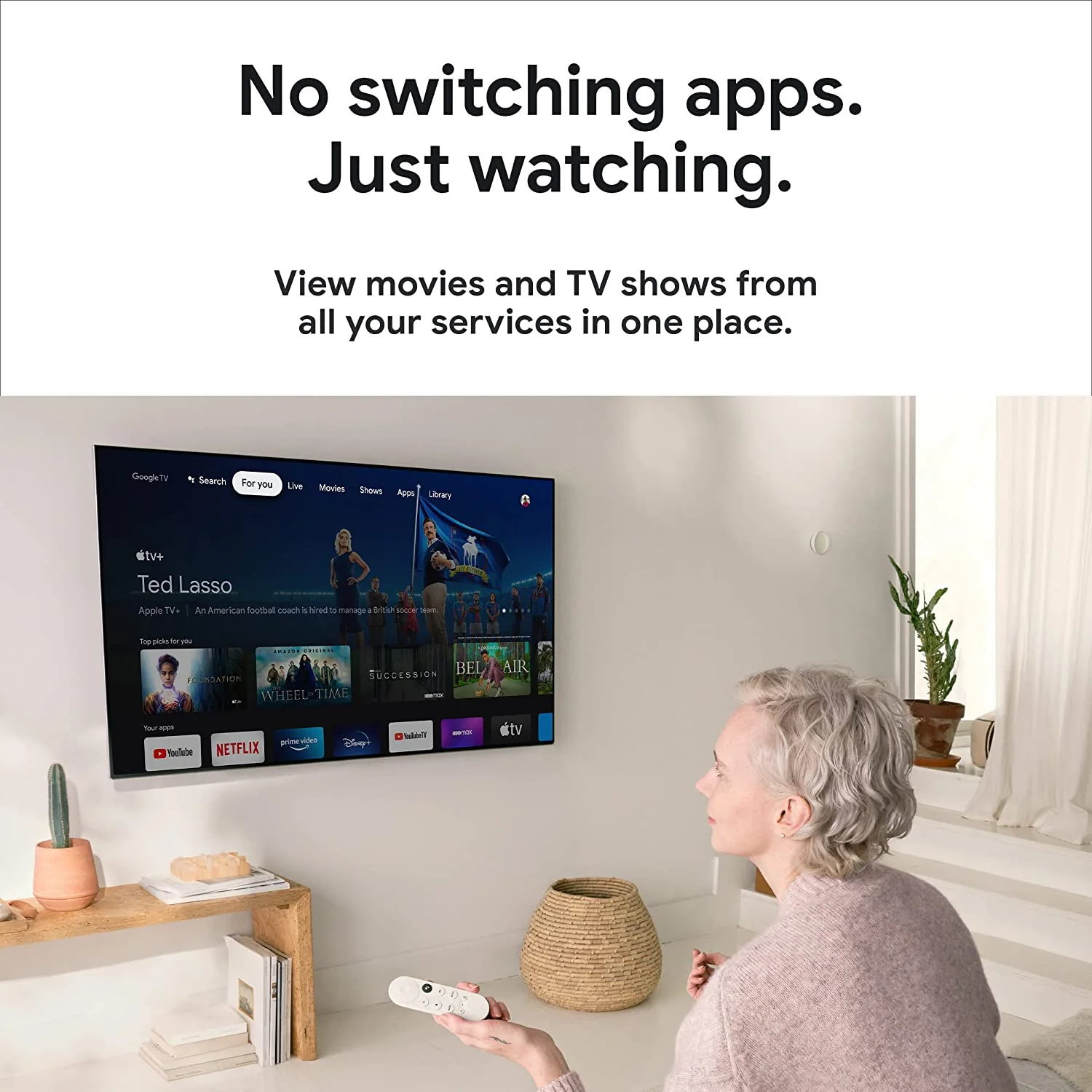
- Your home screen displays movies and TV shows from all your services in one place; get personal recommendations based on your subscriptions, viewing habits, and content you own
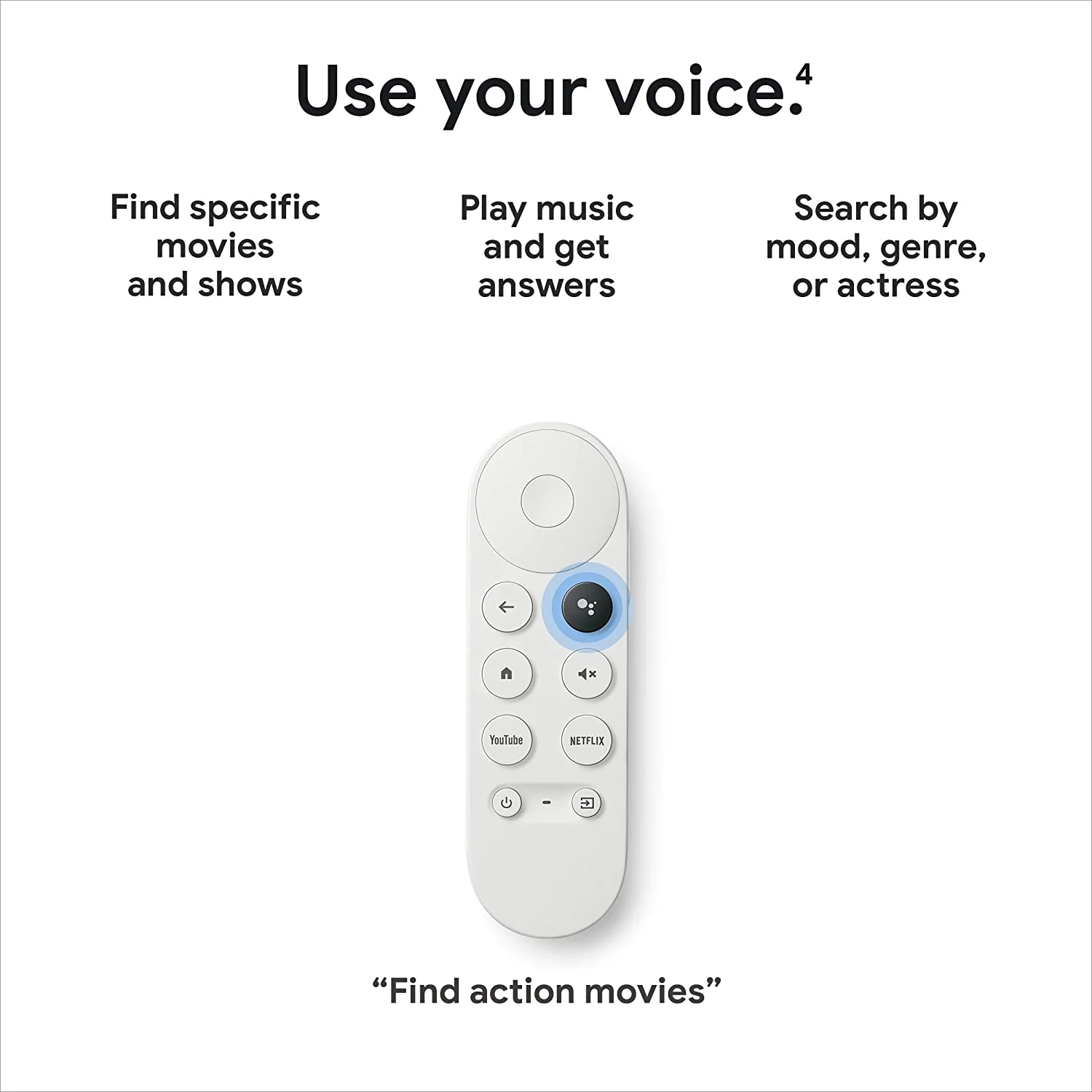
- Press the Google Assistant[4] button on the remote and use voice search to find specific shows, or search by mood, genre, actress, and more; control the volume, switch inputs, play music, and get answers on-screen
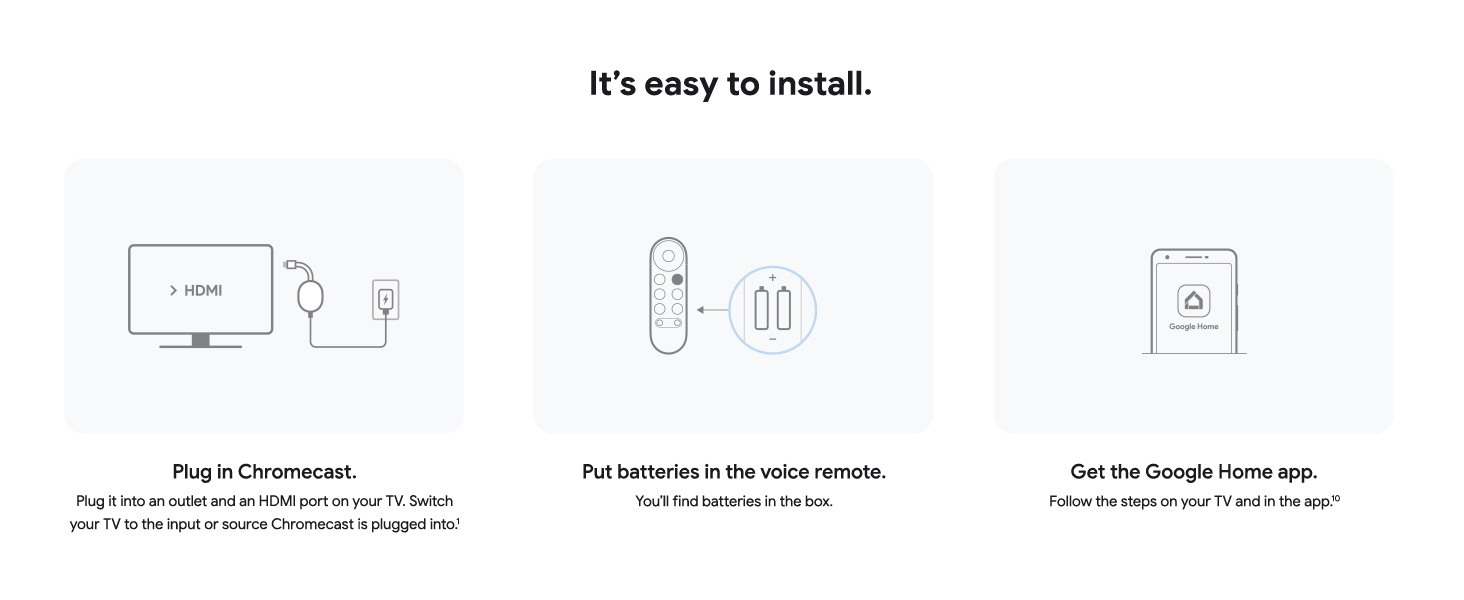
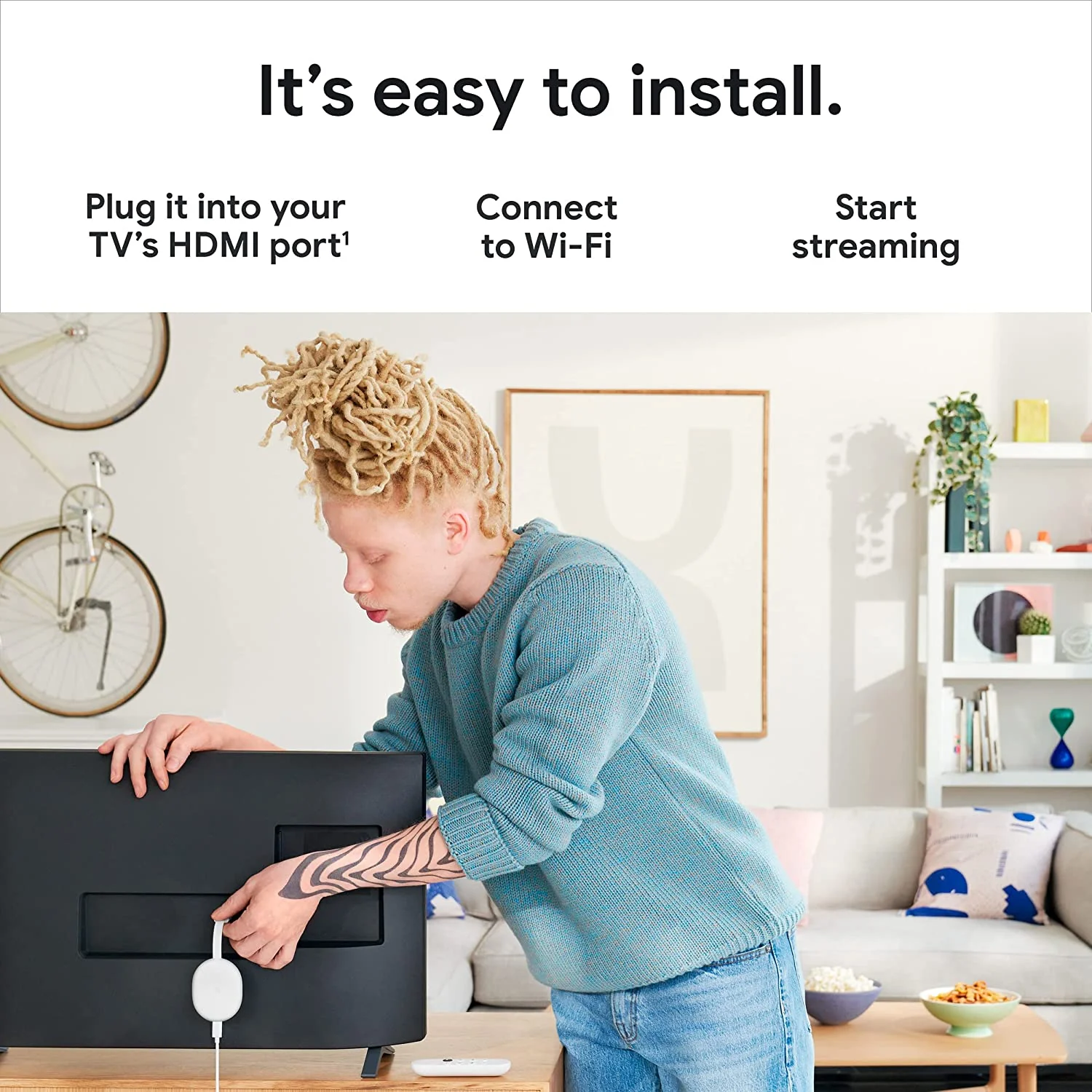
- Chromecast is easy to install and compatible with almost any TV that has an HDMI port; to get started, just plug it into your TV’s HDMI port, connect to Wi-Fi, and start streaming[1]
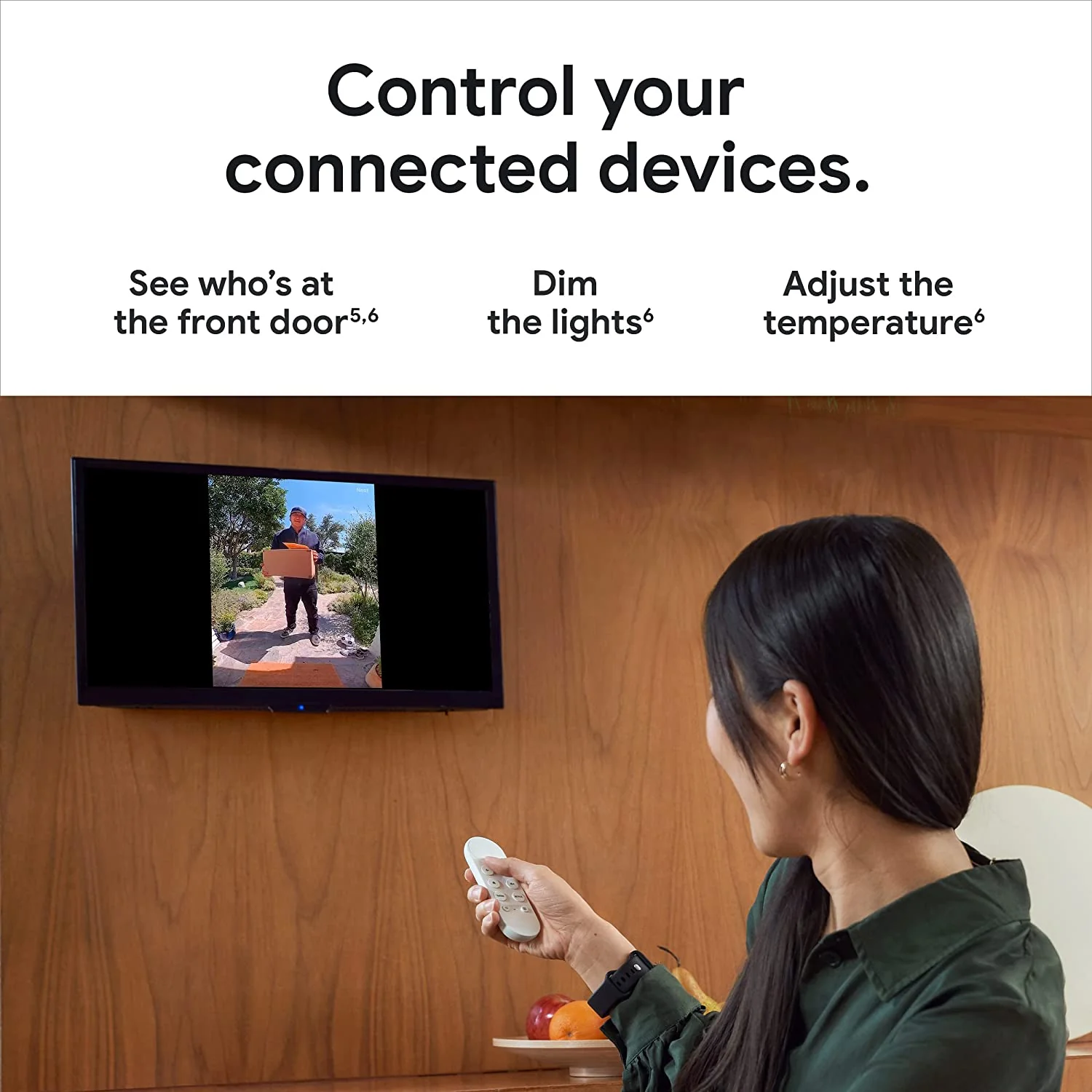
- Manage connected devices from the couch; ask Google to dim the lights, adjust the temperature, or see who’s at the front door, without getting up[5,6]
- Create a kids profile to access movies and shows for the family; pick a playful avatar and theme, set parental controls to restrict what streaming services are shown, limit watching time, and set a bedtime
-
From the manufacturer


Play it all.
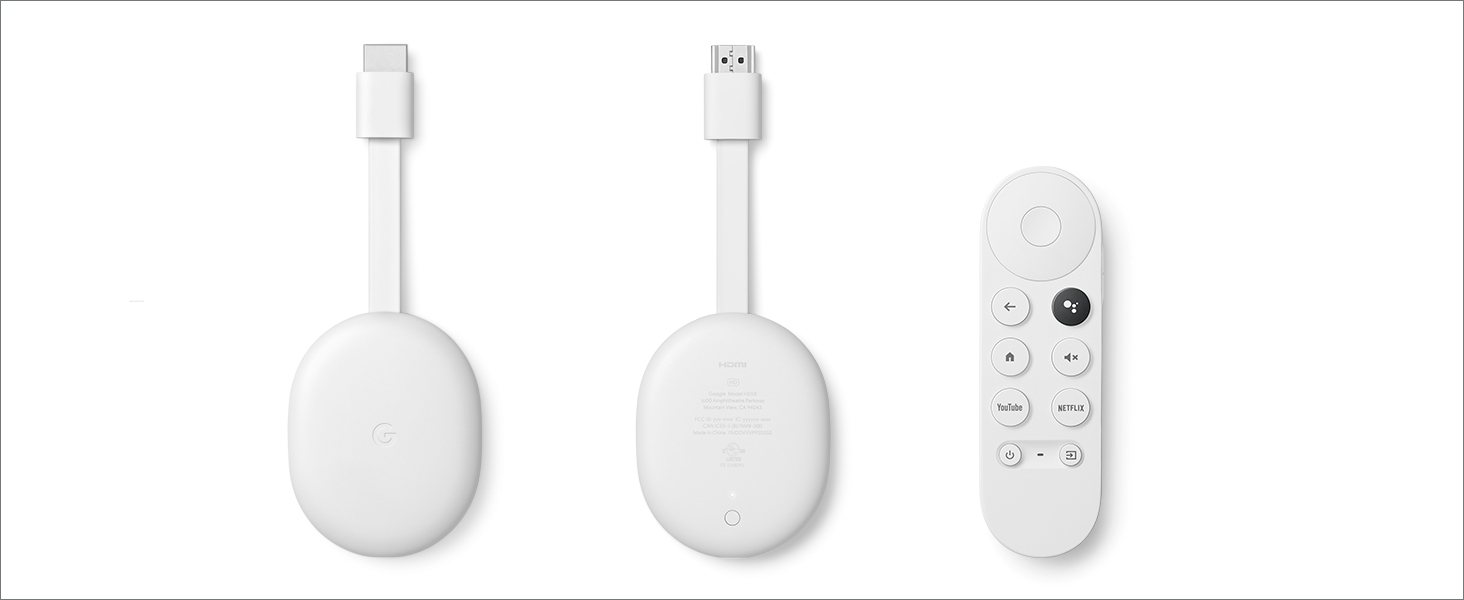
Chromecast with Google TV (HD) brings you the movies, shows, and live TV you love, in up to 1080p HDR.[1,2,3] Get recommendations just for you. And use the remote to find entertainment with your voice.[4]
-

No more switching between apps.
With Google TV, your home screen displays movies and shows from all your services in one place.
-


Specifications
| Sales Package |
|
| Brand |
|
| Type |
|
| Color |
|
| Model Name |
|
| HDMI |
|
| Warranty Summary |
|
| Covered in Warranty |
|
| Not Covered in Warranty |
|
| Warranty Service Type |
|
Product Information
Product Information
Shipping & Returns
Shipping & Returns



Google Chromecast with TV Media Streaming Device (White)
Google Chromecast with TV Media Streaming Device (White)
Features-
- Watch the entertainment you love, including live TV, in up to 1080p HDR[1,2,3]; discover over 700,000 movies and TV episodes, plus millions of songs[2]
- Get fast streaming, and enjoy a crystal clear picture and brighter colors with HDR[3]
- Your home screen displays movies and TV shows from all your services in one place; get personal recommendations based on your subscriptions, viewing habits, and content you own
- Press the Google Assistant[4] button on the remote and use voice search to find specific shows, or search by mood, genre, actress, and more; control the volume, switch inputs, play music, and get answers on-screen
- Chromecast is easy to install and compatible with almost any TV that has an HDMI port; to get started, just plug it into your TV’s HDMI port, connect to Wi-Fi, and start streaming[1]
- Manage connected devices from the couch; ask Google to dim the lights, adjust the temperature, or see who’s at the front door, without getting up[5,6]
- Create a kids profile to access movies and shows for the family; pick a playful avatar and theme, set parental controls to restrict what streaming services are shown, limit watching time, and set a bedtime
-
From the manufacturer
Play it all.
Chromecast with Google TV (HD) brings you the movies, shows, and live TV you love, in up to 1080p HDR.[1,2,3] Get recommendations just for you. And use the remote to find entertainment with your voice.[4]
-
No more switching between apps.
With Google TV, your home screen displays movies and shows from all your services in one place.
-
Specifications
| Sales Package |
|
| Brand |
|
| Type |
|
| Color |
|
| Model Name |
|
| HDMI |
|
| Warranty Summary |
|
| Covered in Warranty |
|
| Not Covered in Warranty |
|
| Warranty Service Type |
|
Original: $35.40
-70%$35.40
$10.62Product Information
Product Information
Shipping & Returns
Shipping & Returns
Description
Features-
- Watch the entertainment you love, including live TV, in up to 1080p HDR[1,2,3]; discover over 700,000 movies and TV episodes, plus millions of songs[2]
- Get fast streaming, and enjoy a crystal clear picture and brighter colors with HDR[3]
- Your home screen displays movies and TV shows from all your services in one place; get personal recommendations based on your subscriptions, viewing habits, and content you own
- Press the Google Assistant[4] button on the remote and use voice search to find specific shows, or search by mood, genre, actress, and more; control the volume, switch inputs, play music, and get answers on-screen
- Chromecast is easy to install and compatible with almost any TV that has an HDMI port; to get started, just plug it into your TV’s HDMI port, connect to Wi-Fi, and start streaming[1]
- Manage connected devices from the couch; ask Google to dim the lights, adjust the temperature, or see who’s at the front door, without getting up[5,6]
- Create a kids profile to access movies and shows for the family; pick a playful avatar and theme, set parental controls to restrict what streaming services are shown, limit watching time, and set a bedtime
-
From the manufacturer
Play it all.
Chromecast with Google TV (HD) brings you the movies, shows, and live TV you love, in up to 1080p HDR.[1,2,3] Get recommendations just for you. And use the remote to find entertainment with your voice.[4]
-
No more switching between apps.
With Google TV, your home screen displays movies and shows from all your services in one place.
-
Specifications
| Sales Package |
|
| Brand |
|
| Type |
|
| Color |
|
| Model Name |
|
| HDMI |
|
| Warranty Summary |
|
| Covered in Warranty |
|
| Not Covered in Warranty |
|
| Warranty Service Type |
|